United States
Authentication — the process of verifying a user's identity — represents the first and most critical defense against unauthorized access to any protected facility. Traditional authentication methods through access cards, codes, or smartphones frequently have security gaps and create a false sense of protection.
This article analyzes common weaknesses in conventional authentication methods and shows how Ajax implements advanced technologies to resist cloning, interception, and physical sabotage.
Contactless authentication technologies explained
Today's physical access control market features convenient contactless authentication methods that replace traditional physical keys. These solutions differ in their architecture and operational principles. Here are the technologies currently deployed in the market.
RFID: the starting point of contactless authentication
RFID (Radio Frequency Identification) technology uses radio waves to automatically read and transmit data from RFID tags. It is widely applied across industries — from logistics and retail to healthcare and finance. In security systems, RFID provides a convenient alternative to physical keys.
An RFID system consists of:
- RFID tag — contains a unique identifier.
- RFID reader — generates radio waves to power passive tags and receive information.
- Antenna — enables communication between the tag and the reader.
- Management system — processes the received data.
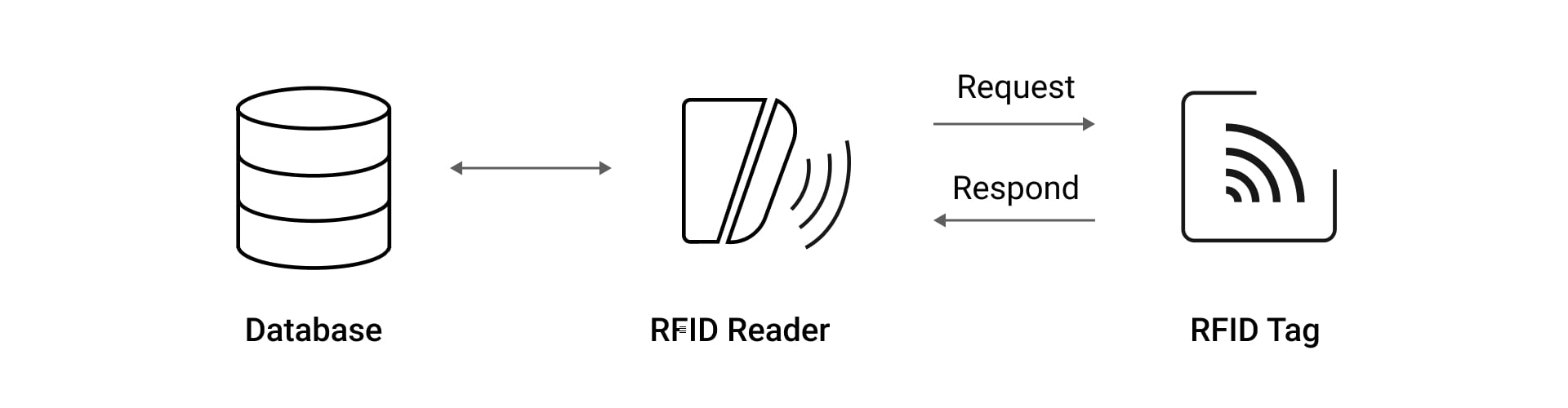
A standard RFID system operates using simplified identification protocols, which makes it susceptible to breaches. When an RFID tag — such as an access card or a key fob — approaches a reader's RF field, it responds by transmitting its unique ID, typically with little or no encryption. This one-way authentication process lacks robust verification. It means the system cannot effectively determine whether it's communicating with an authentic device.
Attackers exploit this verification weakness by cloning devices. They steal a key fob's or a card's credential data without physical contact. All it takes is to bring an inexpensive cloning device close to a person's pocket or bag and record the signals. Once captured, these signals can be replayed to readers in order to gain unauthorized access.
MIFARE Classic: widely deployed but vulnerable method
When the vulnerabilities of basic RFID systems became evident, more advanced technologies emerged to enhance security. One of the most widespread solutions was MIFARE Classic, a series of contactless smart cards introduced in the mid-1990s. Initially seen as a more secure alternative to basic RFID tags, MIFARE Classic became extremely popular in access control systems worldwide. However, its encryption algorithm is now considered vulnerable to modern attack techniques.
Each card contains an RFID tag that uses the proprietary 48-bit CRYPTO1 cipher. For many years, its security relied on the principle of security through obscurity1. The authentication process in MIFARE Classic involves a challenge-response mechanism, where a card and a reader exchange encrypted data to verify user identity. However, MIFARE Classic uses static encryption patterns, which means it stays the same once the system is set up. In many cases, the same security keys are also shared across multiple cards within one facility.
Although MIFARE Classic offers better encryption than basic RFID tags, research has shown2 that attackers can intercept data exchanged between MIFARE Classic cards and readers, capture encrypted communication, and use special tools to decrypt it. This enables cloning of access credentials simply by being within wireless range of a valid card during authentication. Additionally, basic RFID and MIFARE Classic technologies lack specific protections against side-channel attacks — methods where attackers analyze timing patterns, power consumption, or electromagnetic emissions to extract security keys and decrypt sensitive data.
DESFire technology: uncompromised security gold standard
To overcome the security limitations of RFID and MIFARE Classic, NXP Semiconductors developed MIFARE DESFire — a next-generation of contactless smart cards technology. The name "DESFire" refers to Data Encryption Standard (DES) and the card's core attributes (Fast, Innovative, Reliable, and Enhanced).
MIFARE DESFire is widely used for electronic wallets, access control, corporate ID cards, transportation, or stadium ticketing, where strong protection and high transaction speed are equally important.
DESFire uses a multi-layered security approach:
- Advanced cryptography. DESFire implements internationally recognized encryption standards, including Advanced Encryption Standard (AES).
- Secure memory architecture. DESFire cards contain a dedicated cryptographic co-processor that runs all encryption operations without exposing keys or critical data.
- Mutual authentication. Both the card and the reader verify each other's authenticity before data exchange.
- Side-channel attack protection. DESFire architecture includes specialized circuits that maintain consistent power consumption to prevent power analysis attacks, randomized processing timing to prevent timing patterns analysis, and electromagnetic shielding to minimize interceptable emissions.
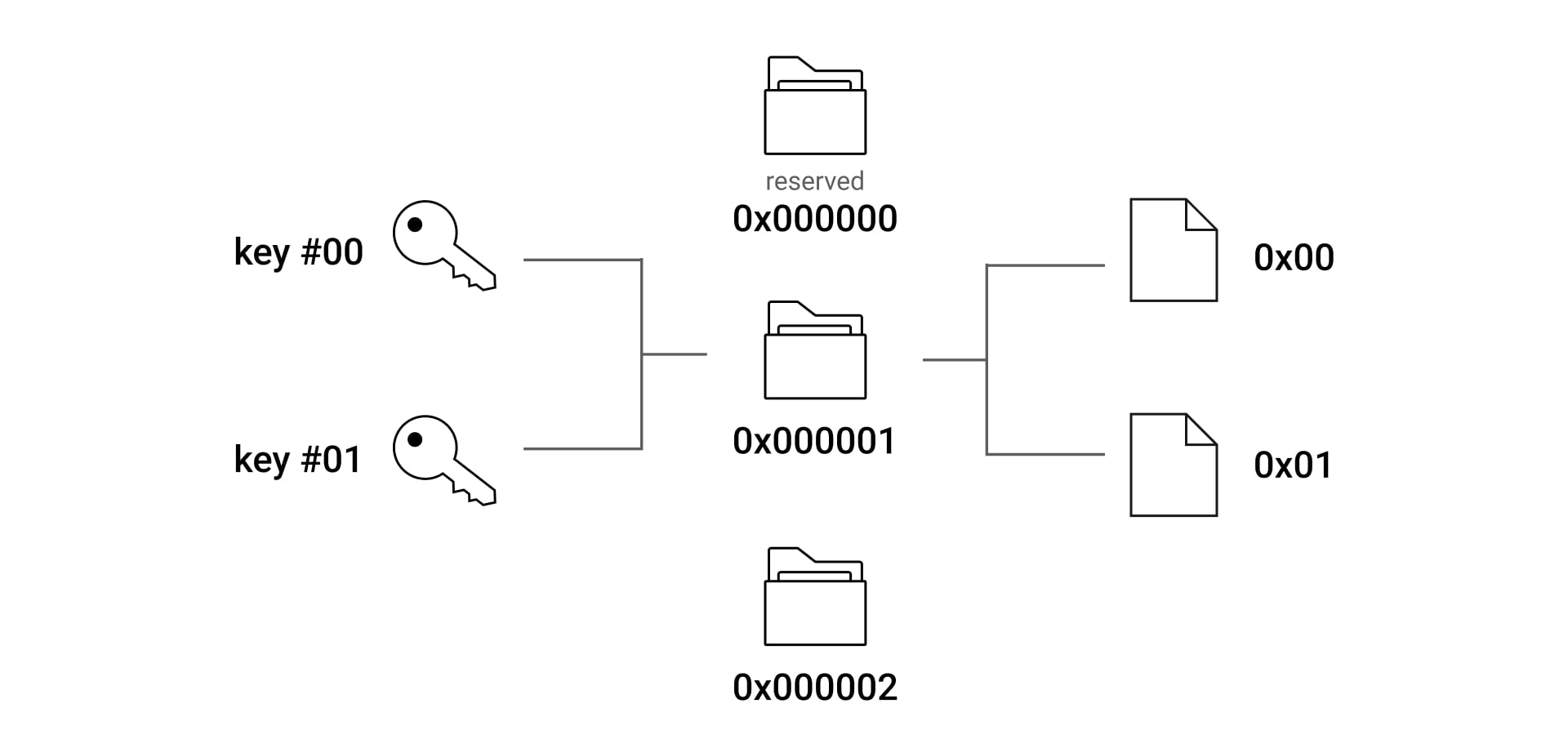
- App isolation. One DESFire card can securely host multiple apps with complete separation, preventing security breaches in one app from affecting others.
Key differences among the three technologies:
Feature | RFID Basic | MIFARE Classic | MIFARE DESFire |
Encryption | None/minimal | CRYPTO1 | AES |
Keys | Static | Static, 48-bit | Dynamic, up to 256-bit |
Cloning resistance | None | Low | High |
Side-channel attack protection | None | None | Advanced |
Authentication | One-way | Weak, two-way | Strong, mutual |
Ajax solutions for contactless authentication
Having analyzed the strengths and weaknesses of different contactless authentication technologies, Ajax Systems adopts only the most advanced methods available. For its Pass cards and Tag key fobs, the company relies on MIFARE DESFire technology combined with AES encryption — the same algorithm trusted to secure government and financial data worldwide. This combination provides a robust foundation for identity verification, protecting credentials from unauthorized duplication attempts throughout their lifecycle. Surpassing the 48-bit keys used in MIFARE Classic systems, AES encryption creates an exceptionally large number of possible key combinations, making unauthorized access attempts exceptionally challenging with current computing technology.
Explore Ajax keypads supporting DESFire technology:
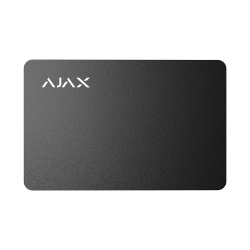
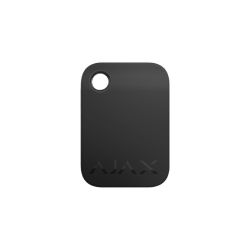

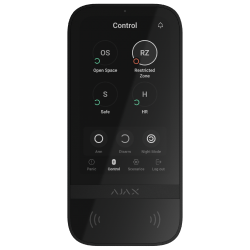

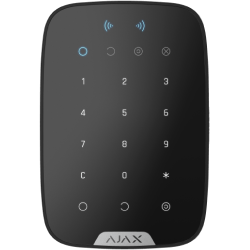
Beyond encryption, Ajax also offers remote management features. Security system's admins can easily adjust access rights on the fly using the Ajax apps. This is especially handy in urgent situations: if a card or a key fob is lost, access rights can be revoked, temporarily suspended, and changed in just a few clicks.
Mobile authentication with a smartphone
Today's authentication solutions increasingly leverage devices users already carry — their smartphones — turning them into secure digital credentials.
Bluetooth technology
Bluetooth is one of the most widely used technologies for mobile authentication today. This wireless communication protocol enables devices to exchange data between smartphones and readers over short distances, making it suitable for use in security systems and access control apps. However, when implemented without proper configuration, basic Bluetooth systems can struggle to determine whether the phone is somewhere nearby or actually close to the reader. Such inaccuracies may lead to security or usability issues.
BLE technology
To address the limitations of standard Bluetooth, the industry adopted Bluetooth Low Energy (BLE) — a lightweight version of traditional Bluetooth, which offers significant advantages compared to its predecessor:
- Lower power consumption: enables longer battery life for wireless keypads and reduced energy usage from the line for wired ones.
- Fast connection establishment: minimizes authentication delays.
- Enhanced security protocols: protect data transmission.
- Compatibility with the latest smartphones: makes integration seamless.
How BLE authentication works in Ajax devices
The implementation of the BLE technology in Ajax devices enables multi-factor authentication. Ajax keypads utilize a multi-stage, encrypted verification process with precise proximity detection and mutual authentication of both the smartphone and the keypad. This ensures that sensitive information is exchanged only with trusted devices, enhancing security compared to systems that simply detect any Bluetooth signal within range.
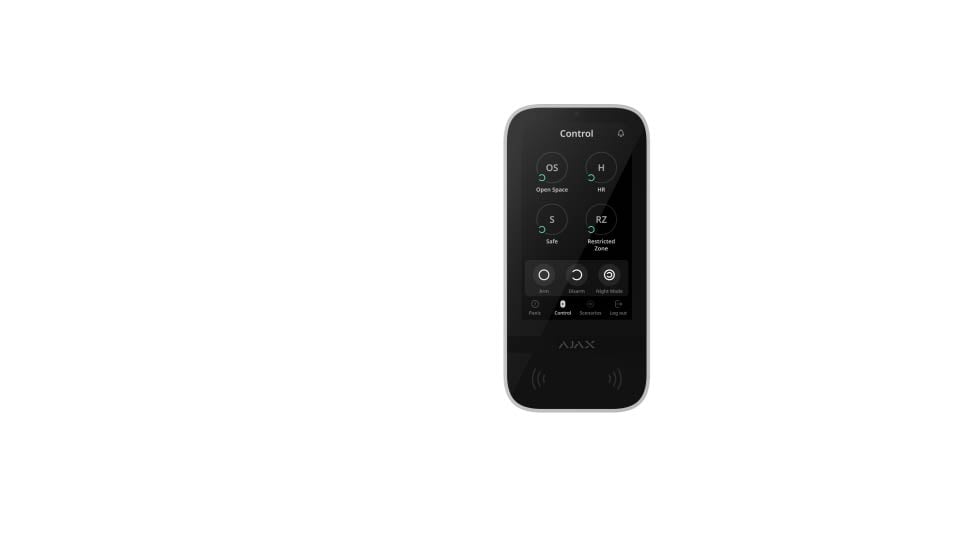
How BLE authentication works in Ajax devices
Security architecture of Ajax BLE connection
- End-to-end encryption. The system encrypts data at every transmission stage – from a smartphone to a keypad, and then from the keypad to a hub using separate encryption protocols.
- Unique encryption per device. Each keypad and user smartphone in the system uses different encryption parameters, so compromising one device does not expose the entire system.
- Session timeout protection. The system automatically changes the exchanged authentication data after specific periods, which limits the time available for any reverse-engineering attempts.
- Effortless security updates. Ajax has implemented an over-the-air (OTA) software update for its devices3 to address new vulnerabilities and improve BLE connection security mechanisms without user intervention.
Discover Ajax keypads supporting BLE technology for smartphone-based authentication:
Code-based security
While contactless credentials and mobile authentication continue to grow in popularity, PIN codes remain fundamental to many security systems. Although widespread, they are not immune to compromise.
Common vulnerabilities in code-based systems
- Predictable choices
People typically use significant dates, sequential numbers, or repeated digits — choices far easier to predict than random combinations. In fact, the 20 most common codes4 represent nearly 27% of all entries.
- Human factor exposure
In workplaces, access codes are frequently shared for convenience. Employees may write them down, reuse them across systems, or reveal them under mild questioning or by accident. Attackers can also exploit publicly available personal data. This behavior creates unmonitored access points that bypass formal controls.
- Brute force susceptibility
Many security systems lack robust protection against systematic code guessing. If there are no lockout mechanisms, they are vulnerable to systematic guessing. Four-digit PINs offer just 10,000 combinations, a number easily exhausted through persistent attempts or automated methods.
- Inadequate monitoring
Code-based systems often lack comprehensive audit capabilities to detect suspicious activity patterns. Failed attempts often go unnoticed, allowing attacks to proceed until successful. The absence of trails complicates both prevention and investigation.
Сode authentication approach, the Ajax way
Thoughtful approach to code-based authentication combines strong protection with ease of use. Ajax keypads support several types of access codes:
- Keypad codes (one per keypad): a general code set up for a keypad. Ideal for simple security setups like vacation homes, garages, or storage units where only one or a few trusted people need access and detailed access tracking isn't required.
- User codes: individual access codes configured for each system user in their Ajax app. These are ideal for both households and workplaces where multiple people require regular access and should have their own Ajax account with personalized permissions to the security system. With personal codes, administrators can assign precise access levels to specific zones and track who entered which areas and when — maintaining detailed logs of security system interactions.
- Codes for unregistered users: codes created by an admin for individuals who need temporary or limited access without requiring an Ajax account. The codes are perfect for cleaning personnel, maintenance workers, gardeners, dog walkers, or real estate agents who need physical access to the premises but shouldn't have visibility into the security system configuration or data.
- RRU code: the access code configured by an admin for the rapid response units. It enables them to access the premises after receiving an alarm when the owner is not home. The code is active only after an alarm and remains valid for a specified period.
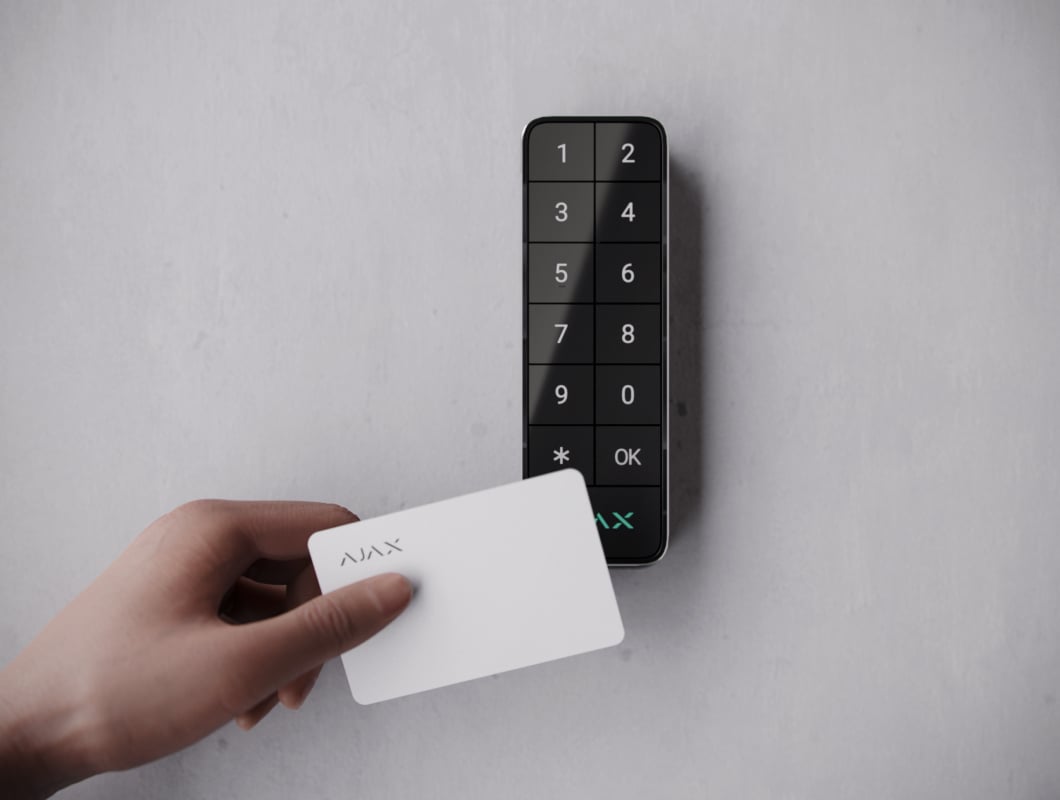
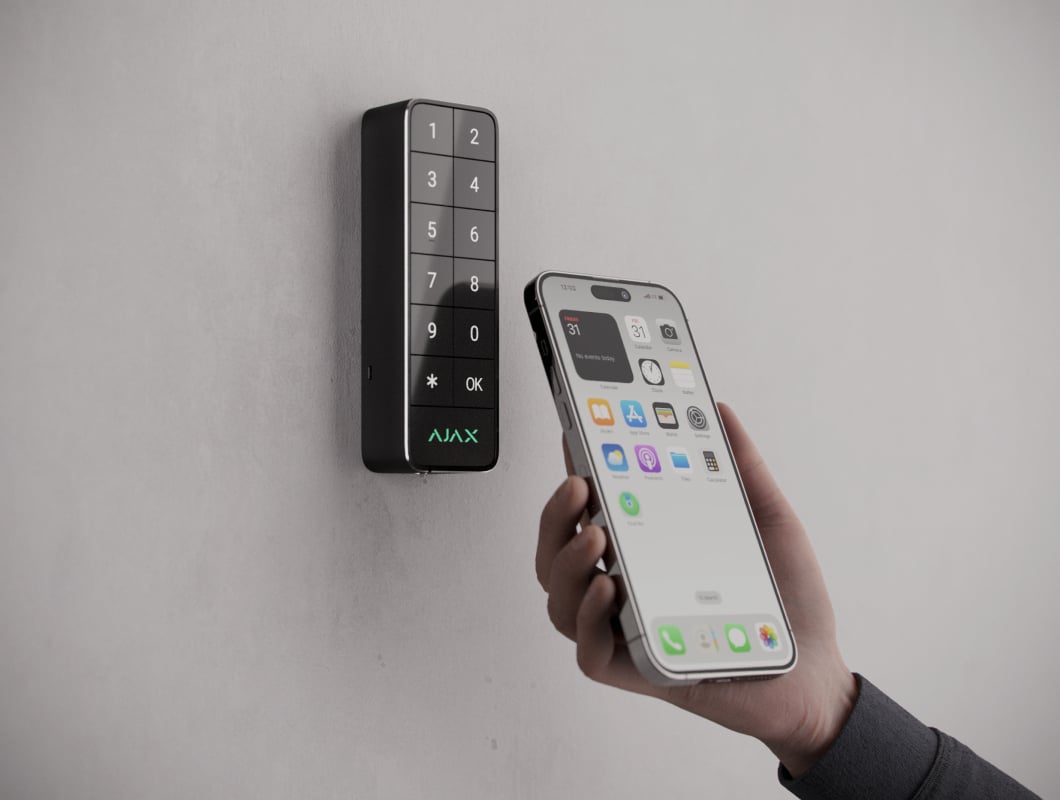
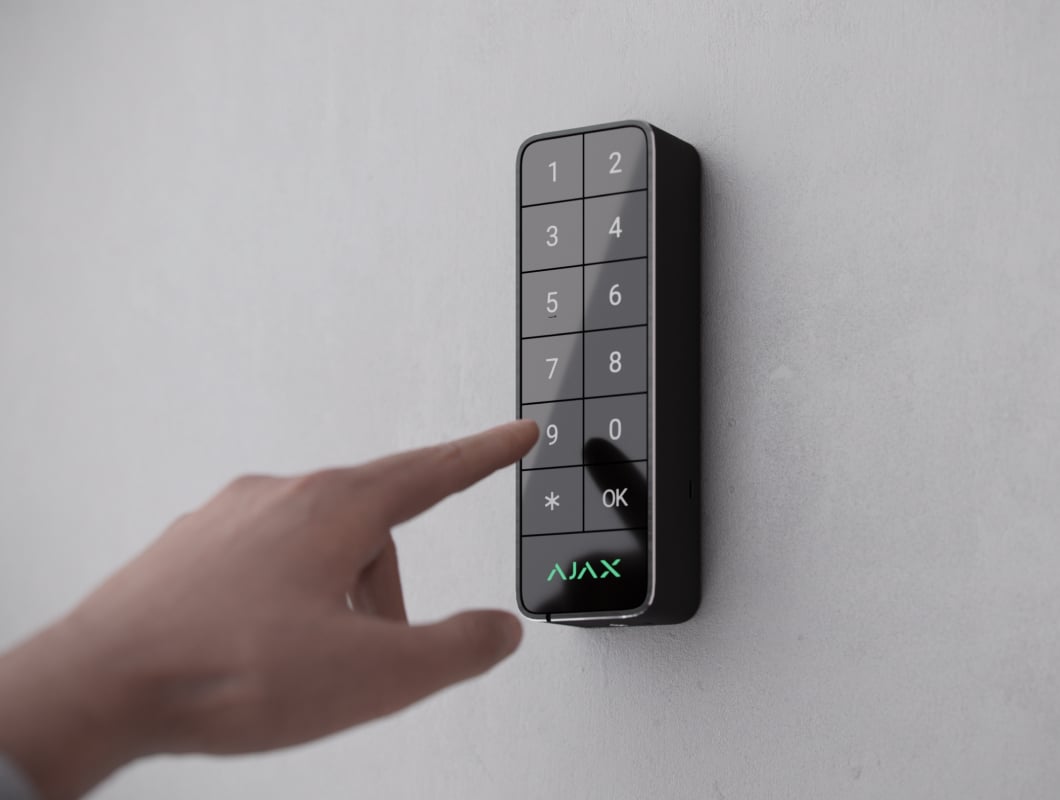
Convenient and secure authentication options for every user
The duress code lets users send a silent alarm if they are forced to enter a code under pressure. The code enables users to inform the monitoring company about being forced to disarm the security system, and is not exposed by the siren sounds or Ajax apps. The feature provides a critical safety layer for users facing potentially dangerous scenarios.
The story of hacked keypads is often found in mainstream media. Our article explains whether the scenarios you see reflect reality.
Ajax keypads do not store user codes. When the user enters the code, it is sent to the hub in encrypted form, and the hub verifies it. Codes within the hub are stored securely in a hashed form, and the Ajax hub uses the OS Malevich real-time operating system, which provides immunity to viruses and cyberattacks.
The keypad blocks access after three failed attempts to enter the correct code and immediately alerts users and the monitoring station. This prevents brute-force attacks and flags suspicious activity early.
Multi-factor authentication as a must
Relying on just one authentication factor — whether it's a card, code, or smartphone — creates a single point of failure. Cards can be lost or stolen, codes guessed or leaked, and even mobile phone credentials have known vulnerabilities. Once compromised, that single factor grants full access.
The impact of potential breaches goes beyond immediate loss. Organizations face expenses for incident response, legal actions, regulatory fines, and long-term damage to customer trust. Public exposure of such preventable issues can severely damage a company's reputation and erode stakeholder confidence. That's why forward-thinking organizations are adopting multi-factor authentication.
In Ajax Systems, two-factor authentication is the gold standard. So, the system has a feature called Authorization confirmation with a passcode that requires users to complete two verification steps:
- Present a valid physical credential (Pass, Tag, or a smartphone).
- Enter a valid code to confirm their identity. This verification step ensures that even if the credential is lost or stolen, it cannot be used without the corresponding code.
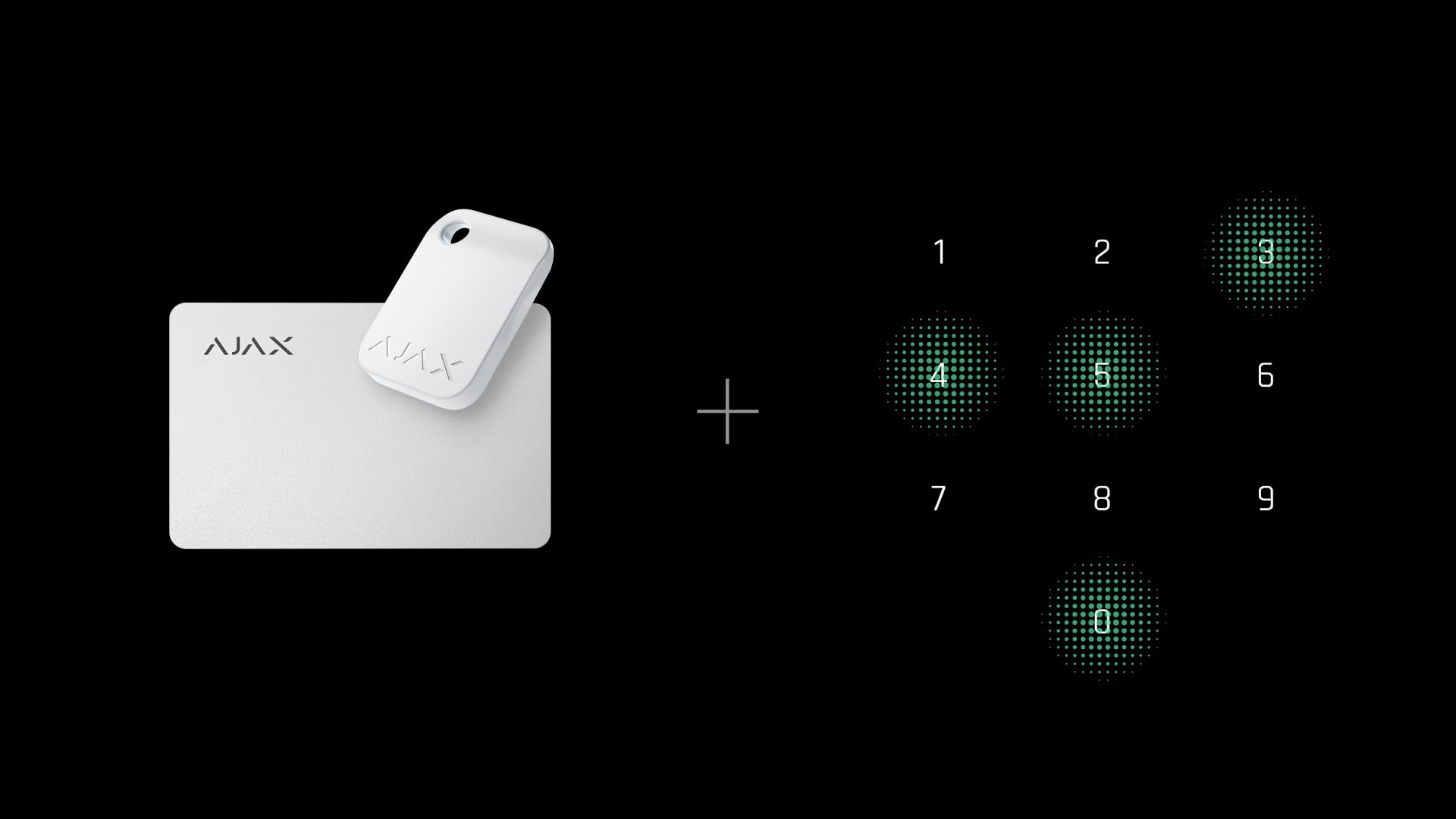
Such a combined authentication approach is ideal for high-risk facilities, offices, financial institutions, critical infrastructure, and even residential property. It enables the system to require dual authentication for crucial security actions like disarming the system, while maintaining single-factor access for routine entry.
Access rights management
Effective security requires not only strong authentication methods but also efficient access rights management. Conventional systems typically rely on direct, on-site programming of controllers and credentials, which frequently affects both security effectiveness and administrative efficiency. Common issues include:
- Limited scalability. Changes must be made on-site, device by device.
- Delayed response to changes. Updating access rights across multiple users or areas can be time-consuming.
- Security risks. Lost or stolen credentials require manual intervention to revoke access, leaving potential security gaps.
In traditional systems, when access credentials are lost or stolen, the response is a high-effort process. Employees must notify security personnel, who then must physically reprogram systems to revoke access. The whole process typically takes days rather than minutes, creating extended periods of vulnerability. In the meantime, many organizations also issue temporary credentials that often bypass normal security protocols and create additional security challenges. Besides, without centralized management, organizations struggle to maintain accurate records of which credentials have been revoked and when.
Ajax in-app access management
Ajax Systems offers a modern approach that combines cloud technology with mobile and desktop apps. With Ajax PRO Desktop and Ajax PRO: Tool for Engineers, monitoring companies and in-house security departments get convenient and efficient tools for access rights management.
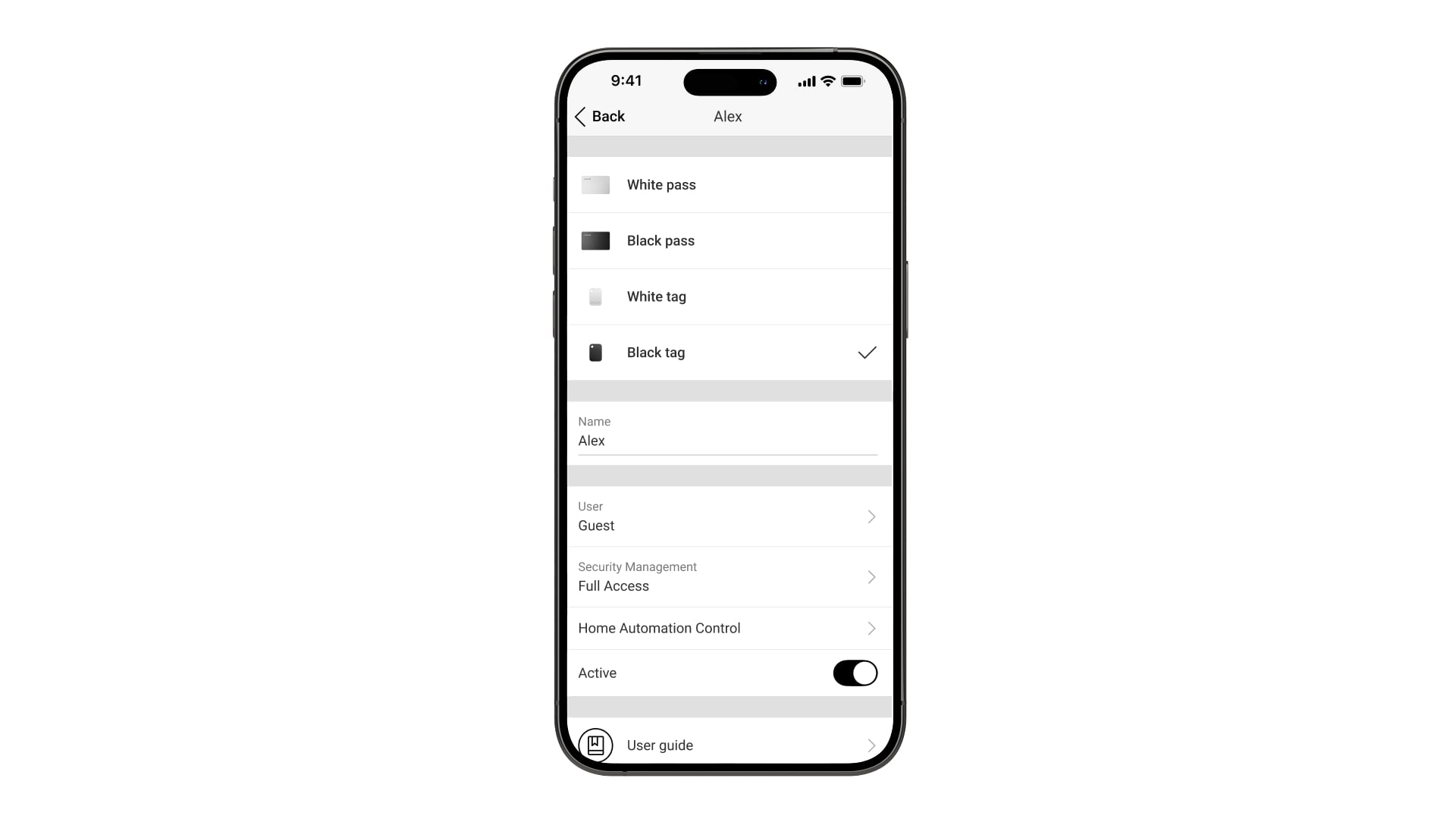
- Instant remote access rights management. Admins can modify access rights in real time via the Ajax mobile and desktop apps. When credentials are compromised or lost, they can remotely remove cards, key fobs, and smartphones within minutes. It eliminates the vulnerability window and the need for on-site technician visits. When user roles change — for example, an employee is promoted and now needs access to new security groups — permissions can be adjusted instantly from the app. Admins can also manage codes for unregistered users, keypad codes, and duress codes. User codes remain editable by users, while other codes are fully controlled by admins.
- Streamlined user management. Adding or removing users requires just a few taps in Ajax apps. The system supports unique identification for each credential, binding specific names and IDs to each user for precise tracking. Real-time notifications keep admins informed about all changes.
- Fast and flexible credential enrollment. Adding new contactless cards, key fobs, or smartphone credentials is quick and simple. One device can manage up to 13 spaces, which is ideal for distributed security networks like retail chains or corporate campuses. Credentials can also be reformatted and reassigned: when an employee leaves, the same card or key fob can be securely wiped and issued to a new team member without the need to replace hardware. This flexibility reduces costs and simplifies inventory.
- Mobile app integration. Admins can manage the entire facility from their smartphones: review logs, modify permissions, or respond to security events from anywhere with internet connectivity. The app provides an intuitive interface that makes sophisticated access rights control accessible even to non-tech users.
Practical recommendations for enhanced authentication security
- Implement multiple authentication factors. Use at least two separate authentication mechanisms — physical access, digital tokens, or mobile authentication. This redundancy creates an extra layer of protection against threats to a system.
- Conduct regular access audits. Review access rights and system logs monthly to identify unusual patterns. Regular monitoring reveals potential security breaches.
- Train users on proper authentication. Educate users to avoid sharing credentials, to cycle codes frequently, and to handle physical tokens properly. User awareness reduces the risk of compromised credentials.
- Diversify access controls. Apply different authentication requirements based on the sensitivity level. Critical areas require more extensive verification.
- Activate notifications for unusual login attempts. Configure the system to notify admins of multiple failed login attempts. Immediate alerts enable quick response.
- Layered approach to authentication. Apply different authentication methods for different zones. This ensures that a compromise in one area doesn't affect the entire facility. For example, activate a bypass mode. In this case, if an outdoor keypad activates the entry/exit delay, additional disarming with the keypad installed inside is required. This two-stage authentication creates a robust security checkpoint as intruders would need to breach both authentication layers at different locations.
Bottom line
Modern security solutions require a comprehensive approach that balances protection with usability. Ajax Systems handles this challenge by implementing high-security DESFire technology, advanced BLE-based smartphone authentication, and multi-factor authorization. The system's remote management capabilities enable admins to respond instantly to security concerns while maintaining operational efficiency.
As authentication technologies continue to evolve, the key factor becomes adaptability — the ability to update protections, adjust access rules, and scale systems without hardware replacements or downtime. Organizations that implement layered, configurable security models can maintain long-term system strength even as new threats emerge. Ajax Systems demonstrates how thoughtful architecture supports growth, simplifies administration, and keeps access control reliable in a constantly changing environment.
Learn more about the concept of "security through obscurity".
According to this study.
Not all Ajax devices support this feature.
According to this study.

Roman Konchakivskiy
Head of Ajax Academy