 United States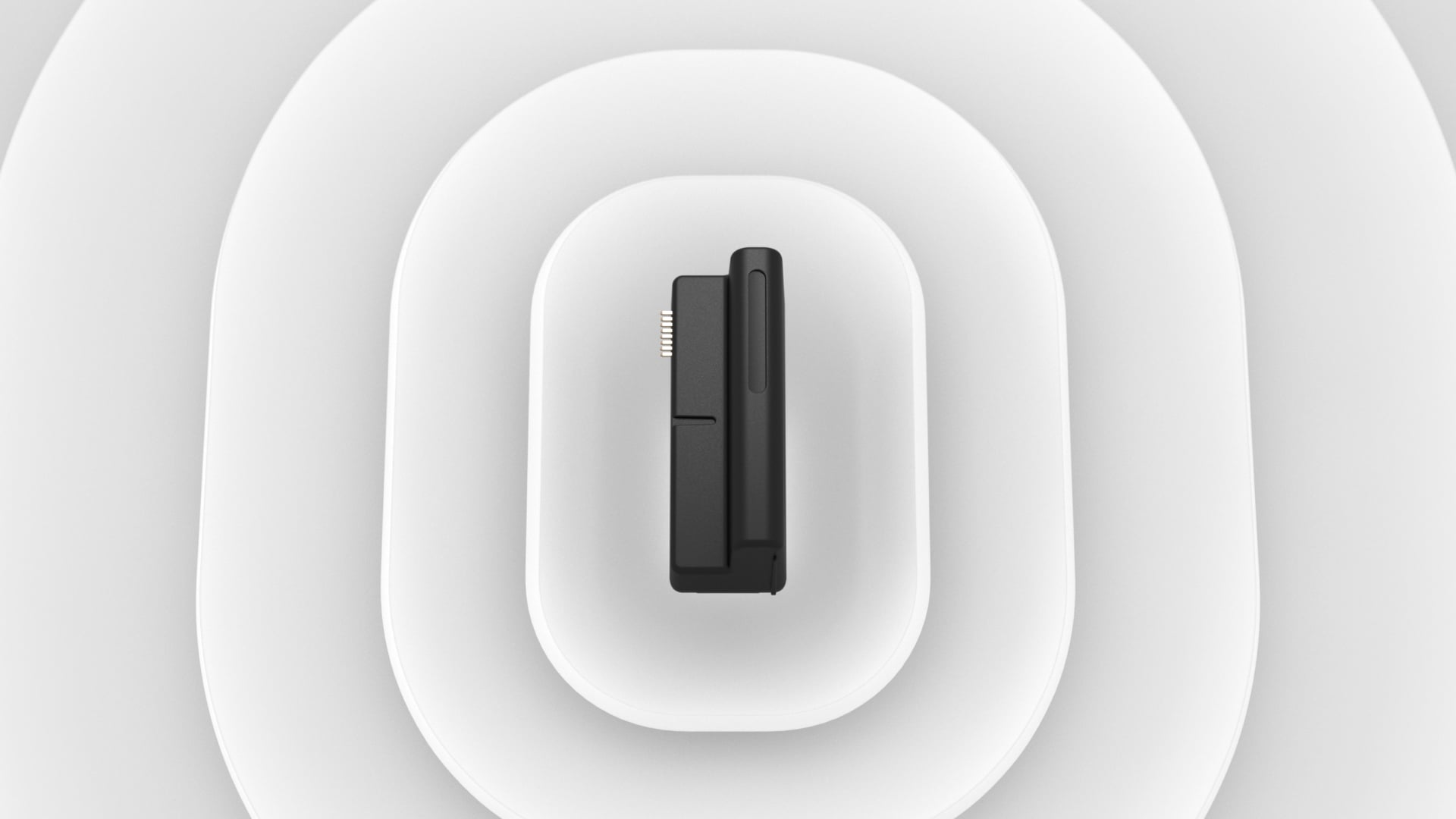
Today's users expect smart technologies to work in sync within a single interface – all to simplify daily routines. Access solutions and security systems are no exception: they should interact seamlessly to enhance safety and comfort for businesses and homes. That's why Ajax Systems expands its strategic partnership with Yale, along with the list of supported smart locks. In addition to several Wi-Fi models, non-connected Yale smart locks can now be integrated into Ajax systems thanks to LockBridge (D) Jeweller.
About Yale
At over 180 years strong, Yale is a leading security brand that protects the people, places and things we love most. Yale secures millions of homes and businesses worldwide with their innovative mechanical locks, alarms, safes, and smart locks for front doors, interior doors, cabinets, and more. Yale is part of the ASSA ABLOY Group, the global leader in access solutions.
Previously, Yale and Ajax Systems' partnership focused on the integration of smart locks with Wi-Fi. However, the Yale Doorman series without built-in connectivity remains a popular choice for front doors in the Nordic countries thanks to its excellent weather resistance. To make these models just as easy to manage in Ajax apps, the companies release LockBridge (D) Jeweller, a wireless module to fully integrate smart locks into Ajax systems.
Thanks to the module, a smart lock communicates with a hub through the Jeweller radio protocol. The device becomes part of the system: it responds to system events via scenarios, can be controlled via Ajax apps, and its state is available right at hand.
LockBridge (D) Jeweller is compatible with:
- Yale Doorman V2N/Classic
- Yale Doorman L3/L3S
The module is not compatible with Yale Linus® Smart Lock models. Yale Linus® Smart Lock with Wi-Fi support can be integrated directly into the Ajax system without the need for LockBridge (D) Jeweller.
Smart lock control and access permissions
Codes and Yale key tags continue to work as usual but are now fully integrated into Ajax apps for easy on-site or remote management. Within seconds, system admins can add, configure, or remove codes and key tags, as well as grant or revoke access permissions. It gives them complete control over who can manage the smart lock, whether it's a family member, a tenant, or a service provider.

The smart lock can be controlled manually via access codes or Yale key tags or through the Ajax app:
- via the Device menu
- via the Automation control tab
- from the Room
- from a video stream tab when someone rings DoorBell.

Unlock the door without switching tabs
Then, all interactions with the smart lock are logged to the event feed and delivered as notifications in Ajax apps. It gives users full awareness of who interacted with the device and when it happened.

Real-time smart lock states
Once the smart lock is integrated via the module, Ajax apps show everything system admins need to know to control and service the device:
- Connectivity status: whether the device is connected to an Ajax hub
- Current device state: locked or unlocked
- Current door state: open or closed
- Battery charge: OK or low

Thanks to the push notifications, users can easily keep track of changes in state, low battery charge, or connection loss.
Smart control via automation scenarios
Integration into Ajax systems enables a smart lock to react to routine and critical system events, improving access experience or site safety. It can automatically lock or unlock the door when a user changes security mode or presses a panic button in an emergency. These scenarios run through the hub using the Jeweller radio protocol, so even if the facility temporarily loses internet connection, the lock reliably operates in response to system events.
 |  |
Smart lock responds to system events | |
The range of scenarios that LockBridge (D) Jeweller supports will grow with upcoming firmware updates.
Learn more about automation scenarios
Wireless communication with the hub
The smart lock communicates with the hub through LockBridge (D) Jeweller using the Jeweller radio protocol. In open space, it provides up to 4,550 ft of communication range to deliver commands and ensure two-way data exchange between the device and the hub. Firmware gets updates automatically over the air via the Wings radio protocol, so the integration module stays up to date with no hassle for the installer.
Installation and setup
The installation of the module is thought out down to every detail. The device fits inside Yale Doorman smart locks and is added to a system with a single QR scan Then, a step-by-step wizard in Ajax apps guides the installer through the configuration process, making setup fast and intuitive. All parameters — from access codes to automation scenarios — can be adjusted remotely.
Compatibility and availability
LockBridge (D) Jeweller is fully compatible with the following non-connected Yale smart locks:
- Yale Dorman V2N/Classic
- Yale Dorman L3/L3S
The integration module is currently available in these countries:
- Denmark
- Finland
- Iceland
- Norway
- Sweden
To order the integration module, please contact authorized Ajax Systems partners and distributors in your region.


