 United States
To replace the batteries:
Turn off external power (if connected).
Remove the sensor from the SmartBracket
Turn off the device by press the power button for 3 seconds, the sensor blinks three times.
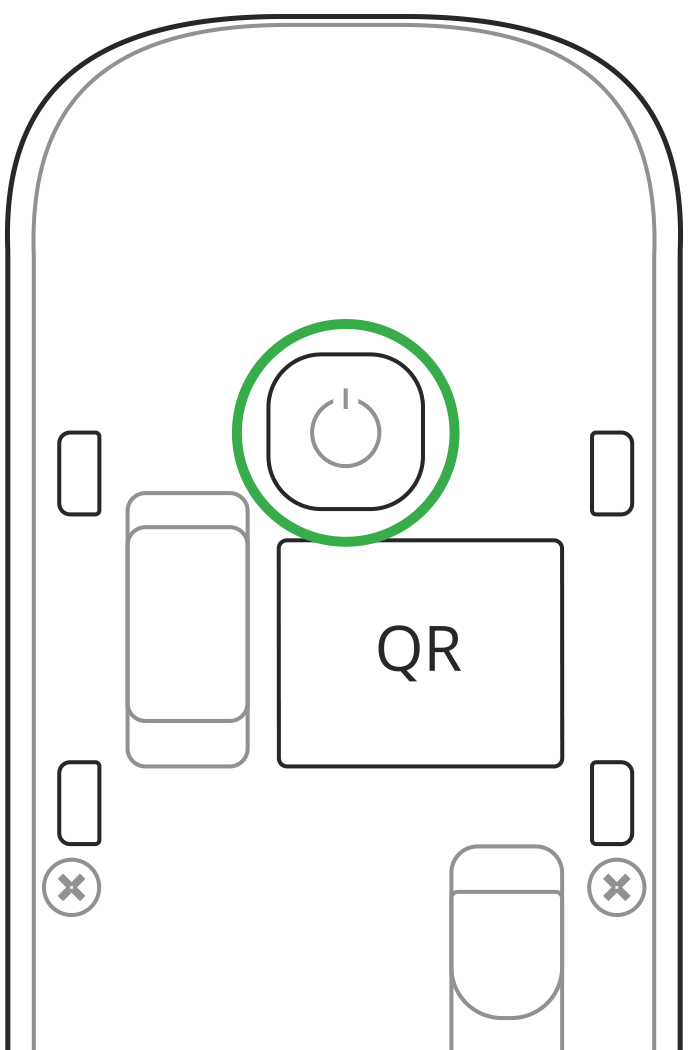
Unscrew the two screws and remove back panel of the detector.
Replace batteries with new types of CR123A (2 pcs), observing polarity. We recommend installing the following batteries to ensure that the Ajax device operates for the calculated time:
Panasonic CR123A Industrial Lithium Battery, 3 V (item model number — 4330203048, manufacturer — Indonesia).
Huiderui CR123A, 3 V, 1,600 mAh, LiMn02.
If other batteries are installed, the operating time may differ from the calculated time.
It is necessary to replace both batteries at once in order to ensure the proper functioning of the detector. Furthermore, never install used or damaged batteries.
Reattach the back lid of the detector and tighten the screws.
Turn on the detector and check the battery status in the app.
The battery status is not updated instantly but during the next polling of the devices (by default, every 36 seconds).