 United States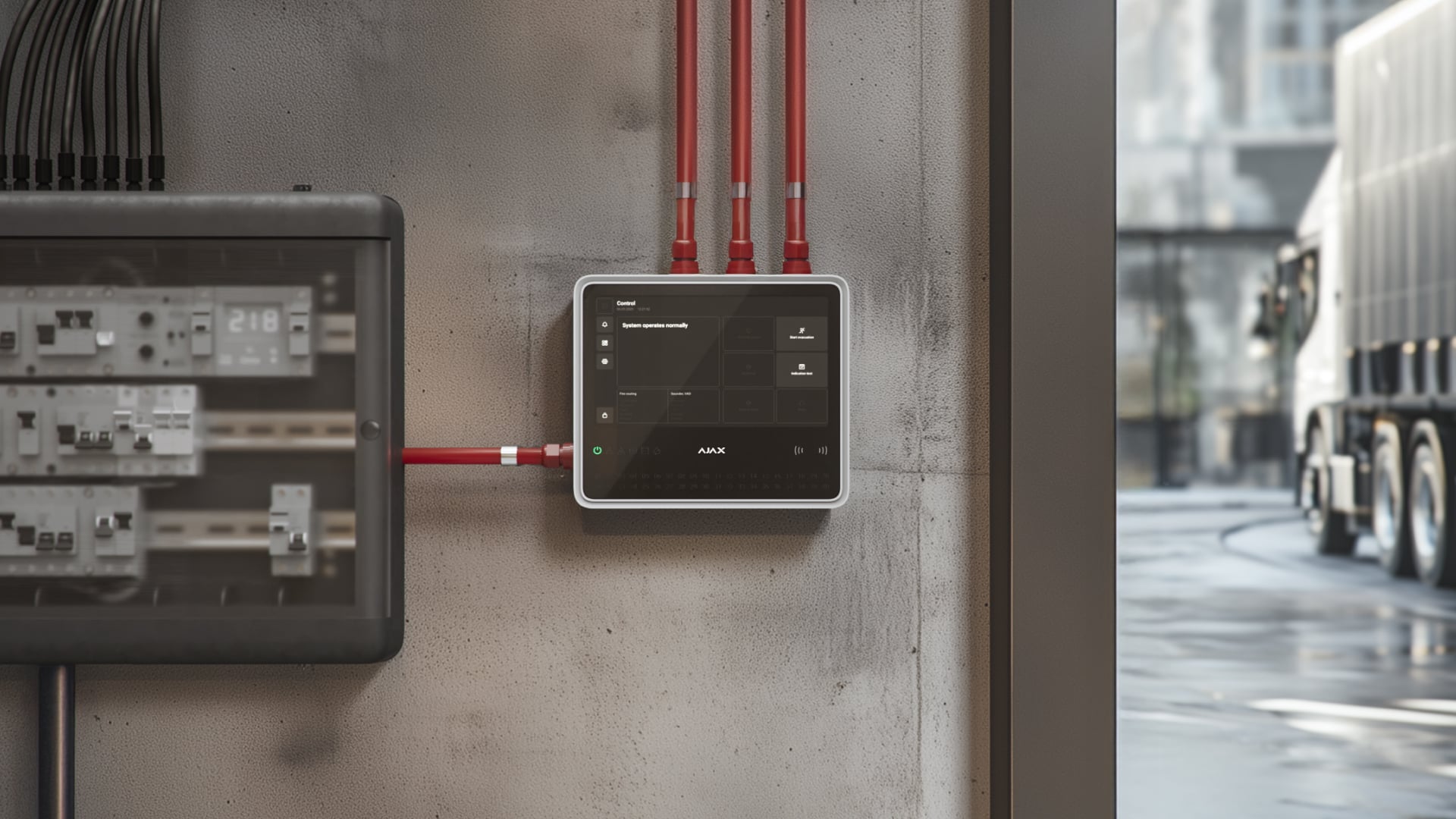
Testing the power supply is a mandatory maintenance procedure in fire alarm systems. It verifies the operation of the main power supply and the backup battery.
On EN54 Fire Hub Jeweller, an admin or user with access level 2 can run the test directly from the CIE touchscreen without using external measuring equipment. After the test is complete, the results are displayed on the screen.
Learn more about new features for EN54 Line
Operating principle
Power supply test provides an automated check of the backup battery and CIE power supply parameters during maintenance. The test reduces servicing time and does not require external measuring equipment.
During the test, the CIE sequentially performs:
- a battery load test;
- standby load measurements, including battery charge voltage, standby load voltage, and standby load current;
- alarm load measurements, including alarm load voltage and alarm load current.
During a no-load battery test, the relay that transmits system fault events to the monitoring station remains open. During the battery load test, this relay closes to ensure accurate maximum load measurements. The corresponding events are not transmitted to the monitoring station.
The test can be started from the EN54 Fire Hub Jeweller CIEs running OS Malevich 2.40 or later. Ajax app versions do not affect feature availability.
Running Power supply test
Ensure the battery is installed properly and fully charged, and the mains power supply is connected.
An admin or user with access level 2 can run Power supply test from the CIE touchscreen. To do this:
Authorize by entering a personal code or an access code on the CIE touchscreen.
Go to the Device settings tab on the CIE touchscreen.
Tap Power supply test.
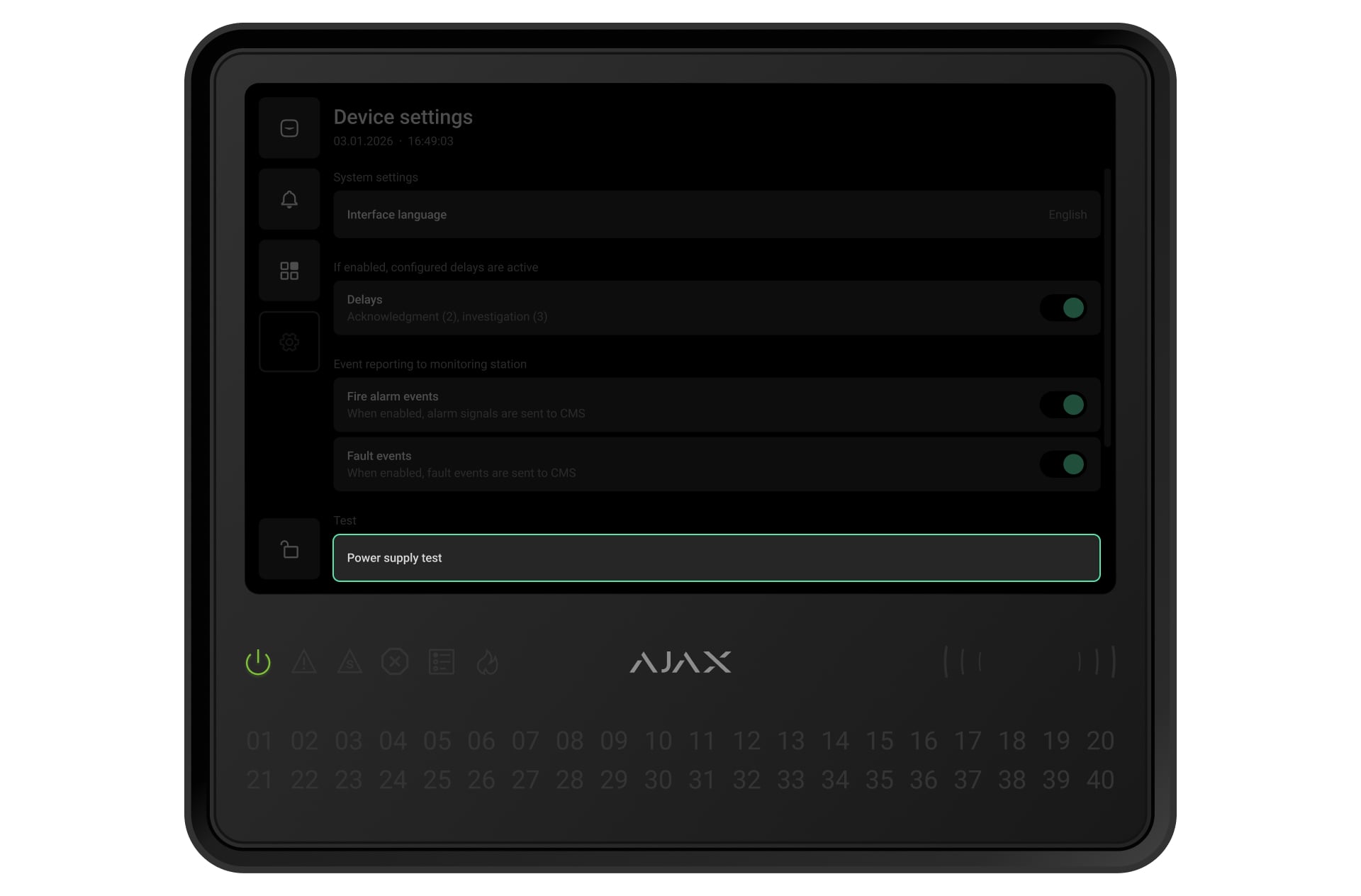
Tap Start test. If at least one test condition is not met (for example, the battery is not fully charged), the Start test button will be disabled.
The test lasts 20 seconds. During the test, the built-in buzzer sounds, and all CIE LED indicators remain lit. After the test is complete, the results are displayed on the CIE touchscreen.
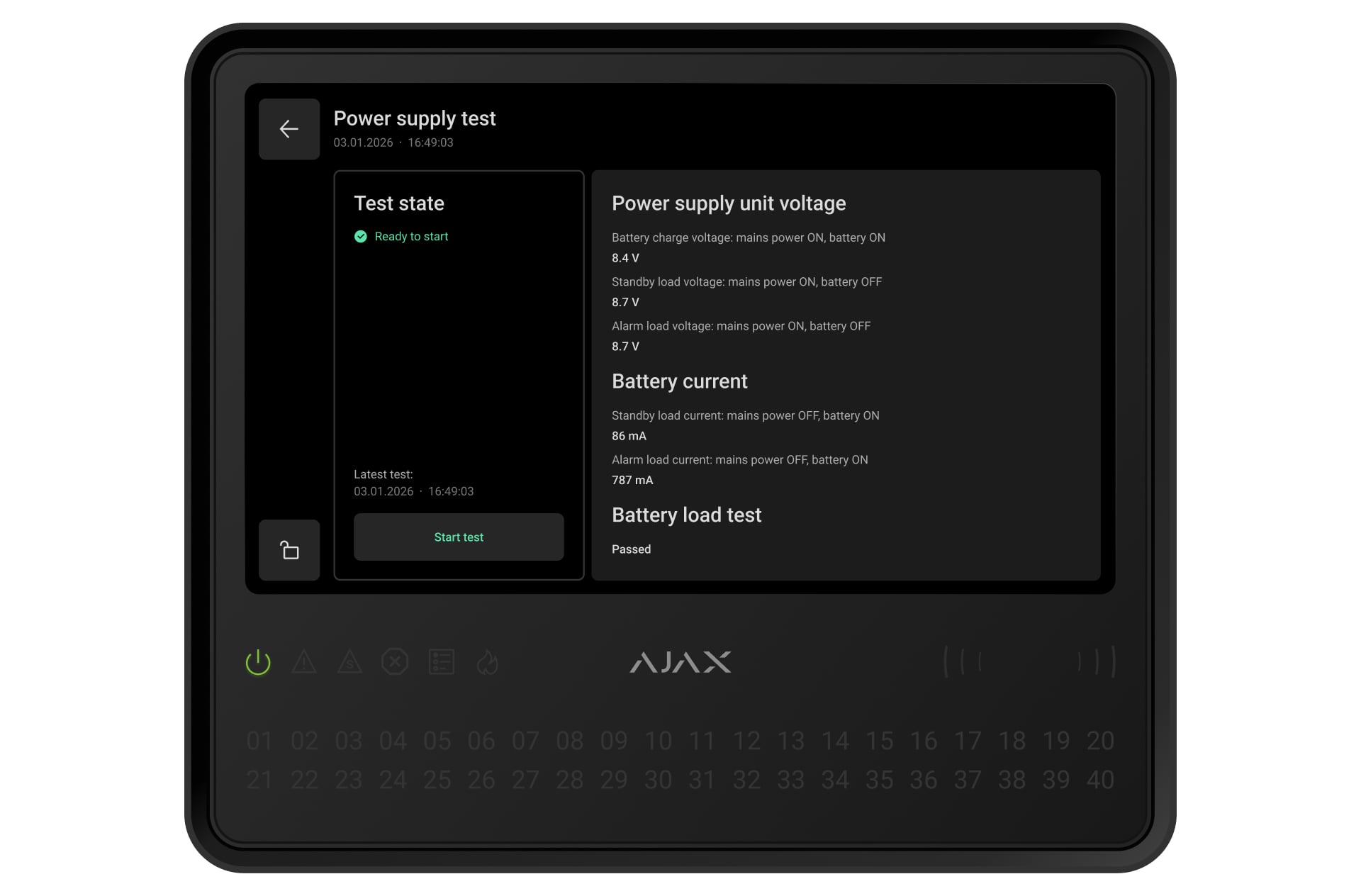
The results are stored in the Power supply test menu.