Language:

Partner Portal

Superior MultiRelay Fibra

Superior MultiRelay Fibra

Four-channel relay with potential-free contacts to control power supply remotely

FAQ

How to configure the Superior MultiRelay Fibra contacts state in case of a power outage

Superior MultiRelay Fibra allows you to configure the relay contacts state in case of a power outage.

When the toggle Keep state after power outage is disabled, the relay contacts return to normal state in case of a power outage.

If the normal state of the relay contacts is Normally Open and the relay contacts are closed at the time of a power outage, they will open. When the power is restored, the connected electric appliance will not be supplied with current.

If the toggle Keep state after power outage is enabled, the current state of the relay contacts saves in case of a power outage.

To configure the contacts state in case of a power outage, in the Ajax app:

  1. Go to the Devices HubFilled-M tab.

  2. Select MultiRelay from the list.

  3. Go to Settings by clicking on the gear icon Settings-M.

  4. Select the relay.

  5. Change the Keep state after power outage option state.

  6. Click Back twice to save the new settings.

How Superior MultiRelay Fibra temperature protection works

Superior MultiRelay Fibra has temperature protection. When the temperature of one of the relays exceeds the permissible value, all closed contacts automatically open. The toggle of the relay that was enabled turns red. The user and the security company receive a notification about overheating in Ajax apps.

The relay functionality is restored when the temperature drops to the permissible level. After the power is restored, the relay contacts return to their previous state.

If, after the relay has been switched off due to overheating, the user has changed the state using the toggle in the app, the contacts will take this state after the temperature returns to normal.

How to install Superior MultiRelay Fibra

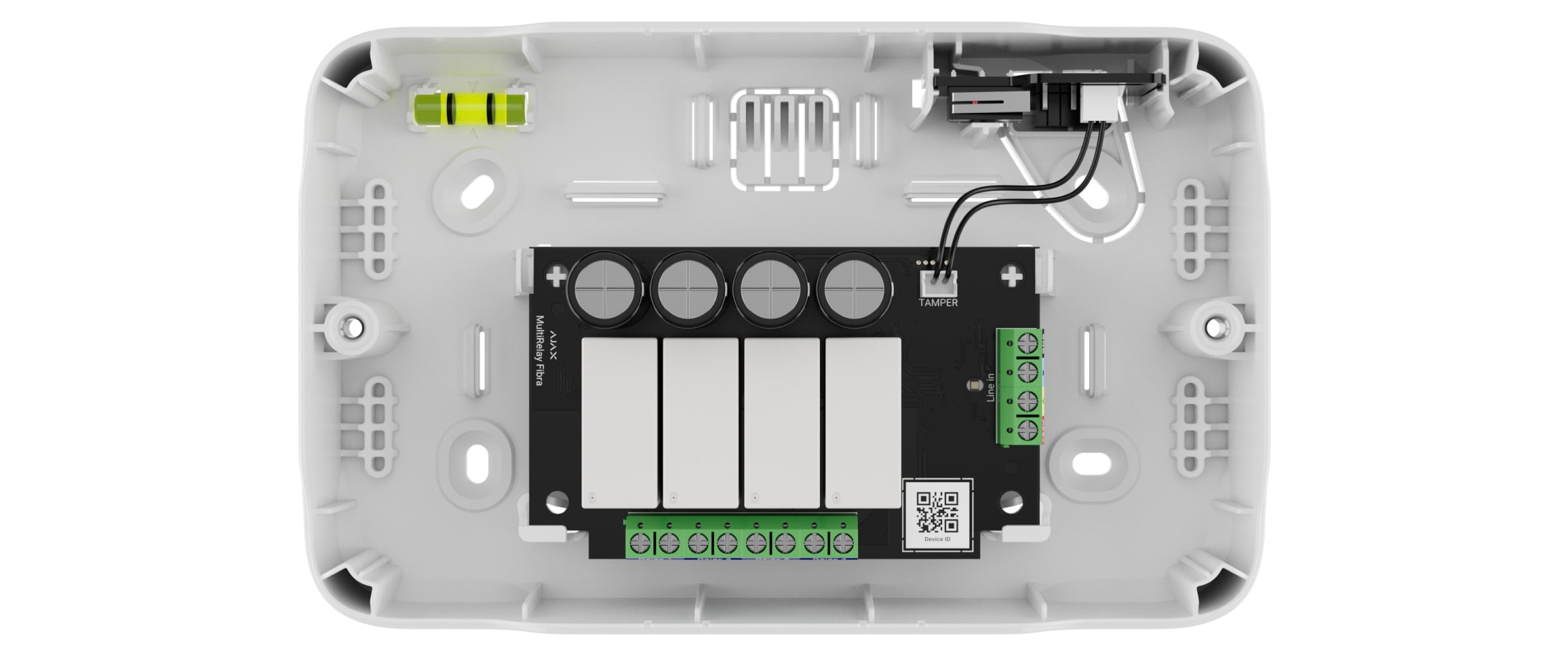
Superior MultiRelay Fibra is designed for indoor use only. We recommend installing MultiRelay into Case. The casing is sold separately and available in multiple versions. Installing a single module, several modules, or several other devices into Case is possible. You can select Case with the required number of slots in the configurator.

Case has mounts for modules, wire channels, and a tamper board that is connected to the MultiRelay connector.