 United States
Tech specs
Fire Hub Lite (Smoke) Jeweller
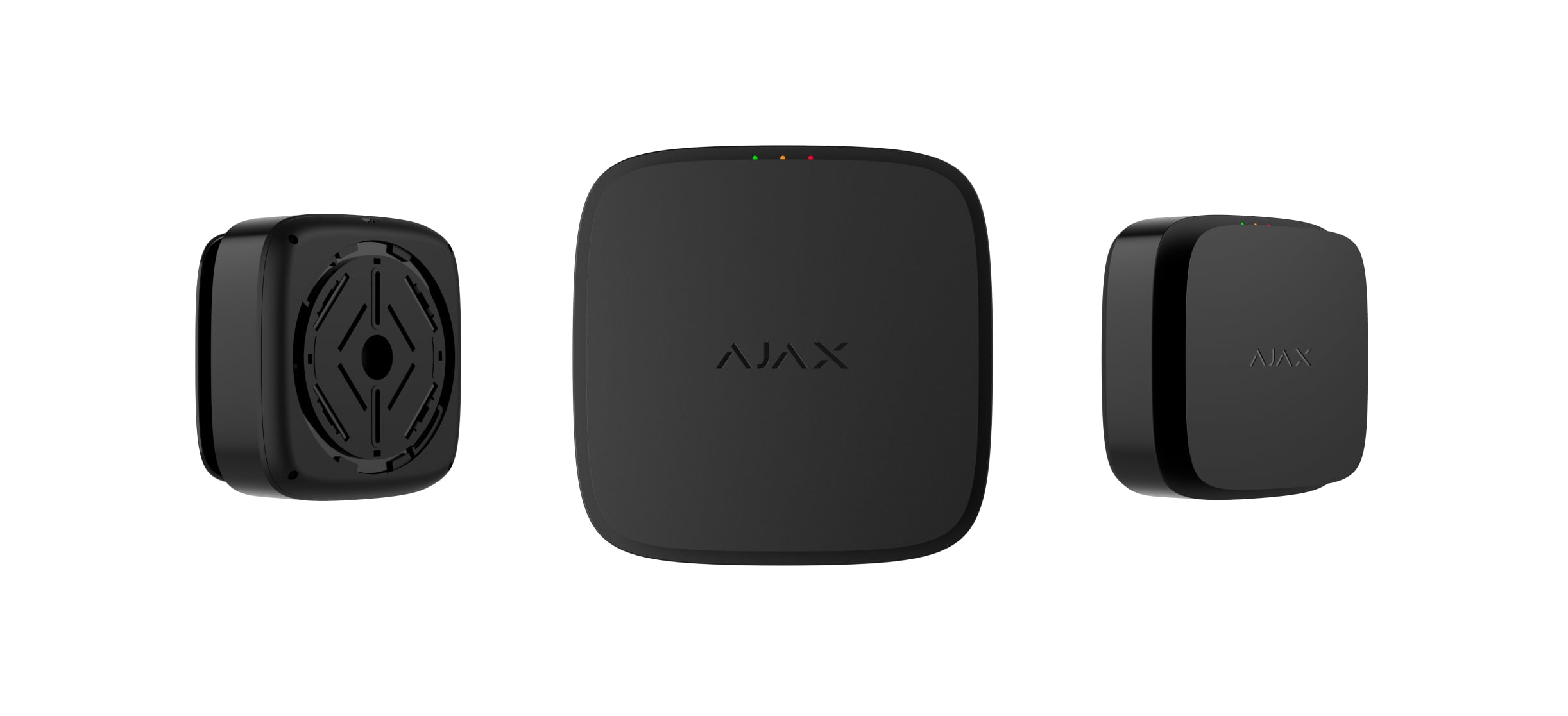
Wireless addressable fire alarm control panel combined with a smoke detector
Device compatibility
FireProtect 2 SB series detectors
FireProtect 2 AC series detectors
Capacity
Devices
up to 49
Users
1
Communication
Jeweller communication technology
Proprietary wireless communication technology to transmit commands, alarms, and other events.
Key features:
- Two-way communication
- Advanced sabotage protection
- Block encryption featuring a dynamic key
- Instant notifications
- Remote control and configuration in apps
Frequency band
915.85–926.5 MHz
Depends on the sales region.
Maximum effective radiated power (ERP)
up to 20 mW
Automatic power control to reduce power consumption and radio interference.
Radio signal modulation
GFSK
Radio communication range
up to 4,900 ft
Between the control panel and connected devices in open space. Maximum range depends on the connected device.
Encrypted communication
All stored and transmitted data are protected by block encryption featuring a dynamic key.
Frequency hopping
To prevent radio interference and jamming.
Communication channel
Cellular
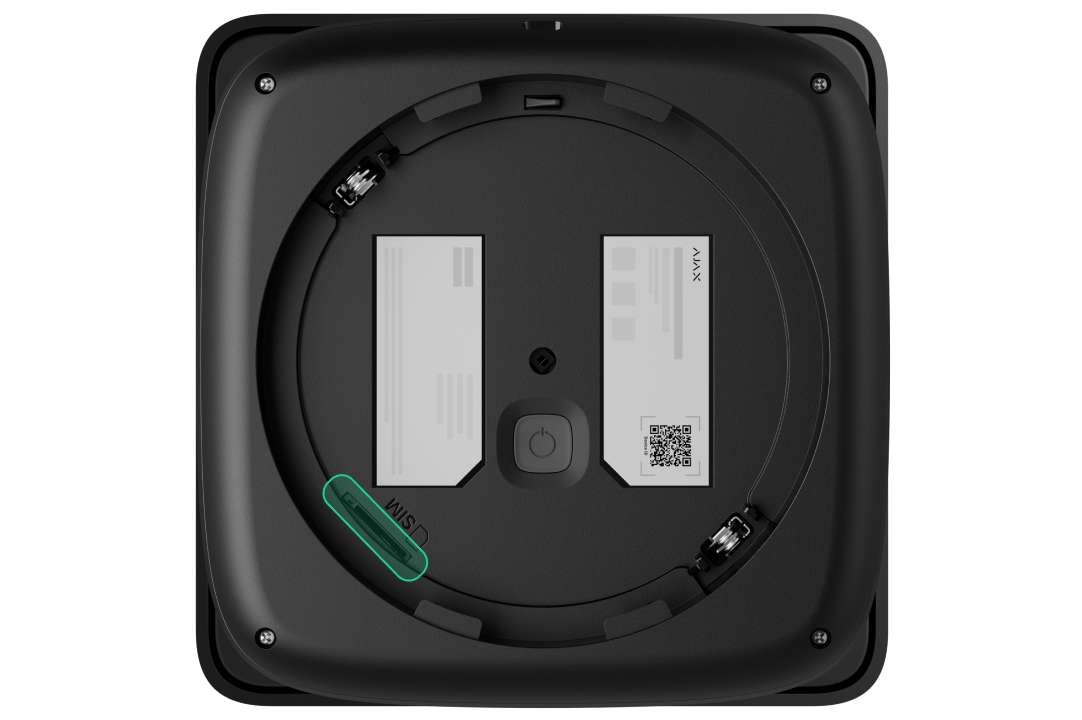
1 micro-SIM slot
Cellular frequencies
4G (LTE): FDD B1/B3/B5/B7/B8/B20/B28
Depends on the sales region.
Notifications
Supported notification types
push notifications
Event types
- Alarms
- Faults
- Test results
- System events
Notification types are configured individually for each user.
Smoke detection
Sensitive element
dual-spectrum optical sensor
Detects smoke based on the size of particles in the air.
False alarm prevention
Does not respond to water vapor.
Patented smoke chamber
Protects the smoke sensor from dust, dirt, and insects.
Additional features
Built-in siren
sound level: 85 dB at a distance of 9.8 ft
Audible alarm signal. Remains active until the cause of the alarm is eliminated or the user manually disables the alert.
Interconnected fire detector alarm
via primary interconnection
If one of the fire detectors in the system detects a threat, it sends an alarm to the control panel. Within 20 seconds, the control panel activates an interconnected fire alarm and sends data to the apps.
via fallback interconnection
Along with sending an alarm to the control panel, the initiating detector transmits alarm information to other fire detectors. All connected detectors activate their buzzers within a minute. This works even in the worst-case scenario of losing connection with the control panel.
Device locking
When a compatible device is added to Fire Hub Lite (Smoke) Jeweller, its ID is verified automatically. If the device is already registered to another account, it cannot be added to the system.
LED indication
green indicates external power
An LED indicator lights continuously when the control panel is powered by an external power source. If the control panel is powered by the backup battery, the LED indicator lights up once every 56 seconds.
yellow indicates a fault
An LED indicator lights up to signal detected faults, such as battery depletion or smoke chamber contamination.
red indicates a fire alarm
An LED indicator lights up when a fire alarm is triggered.
Button on the front panel of the control panel
In normal mode, pressing the button initiates the smoke chamber test. In the event of an alarm or fault, pressing the button disables the control panel's audible signals.
Recommendations
Fire Hub Lite (Smoke) Jeweller is designed for indoor use only.
The control panel operates at 110–240 V~.
Sabotage protection
Tamper button
2
Notifications on attempts to detach the control panel from the surface or remove the mounting panel.
Protection against spoofing
device authentication
Connection loss detection
after 36 s
Detection time depends on Jeweller settings.
Power supply
Main
110–240 V, 50/60 Hz
Up to 120 mA of mains power consumption.
Backup
1 × CR 2/3
Pre-installed.
Enclosure
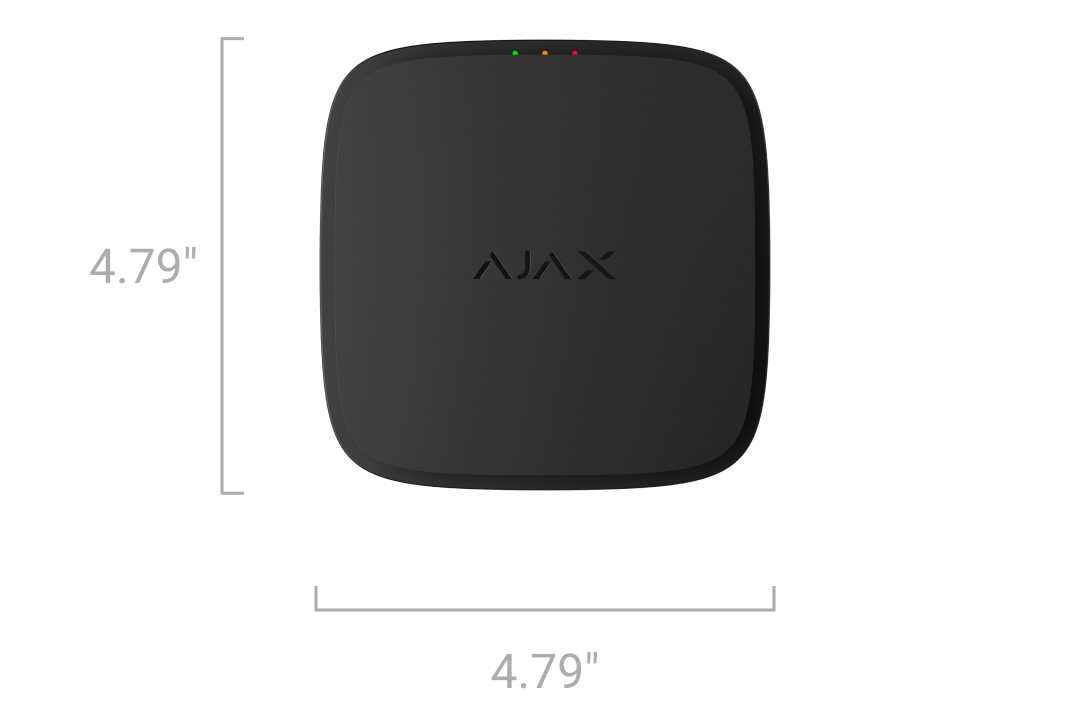
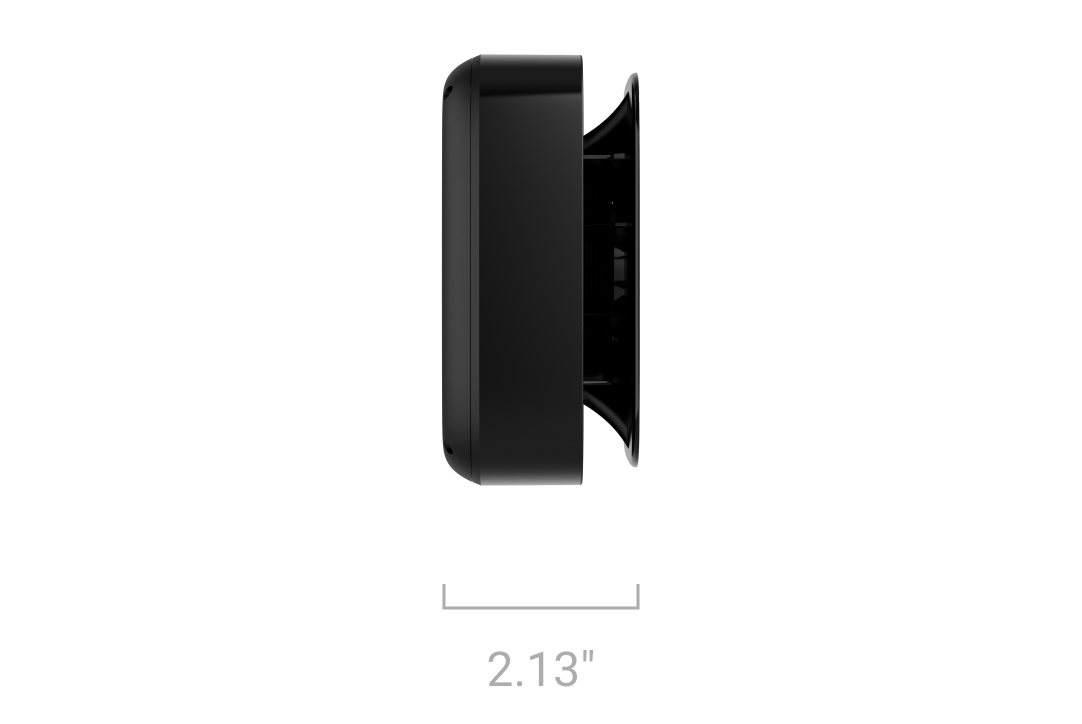
Dimensions
4.79 × 4.79 × 2.13″
Weight
11.36 oz
Operating temperature range
from 32 °F to 104 °F
Operating humidity
up to 75% non-condensing
Protection class
IP20
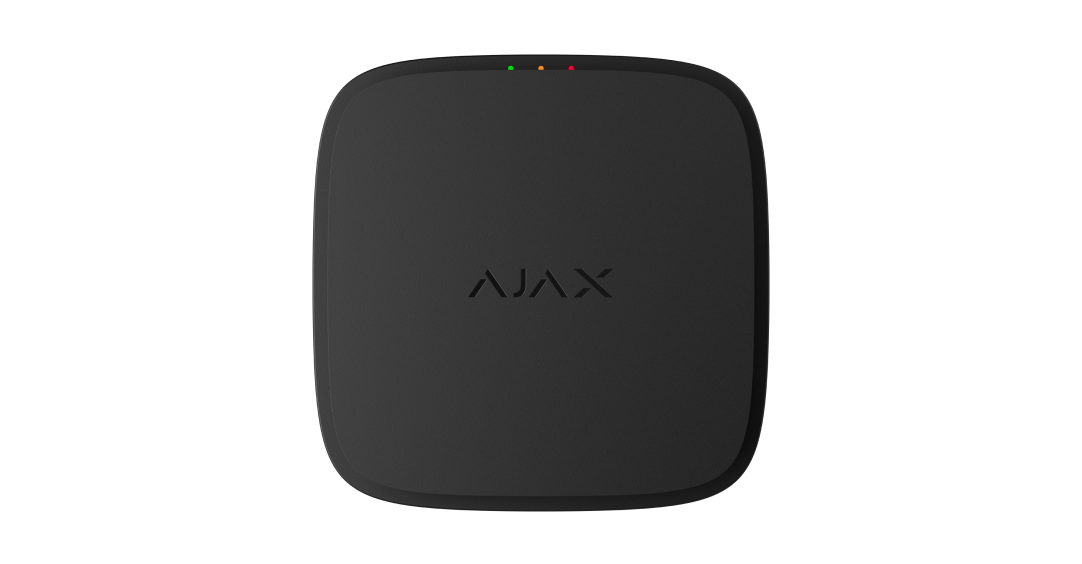
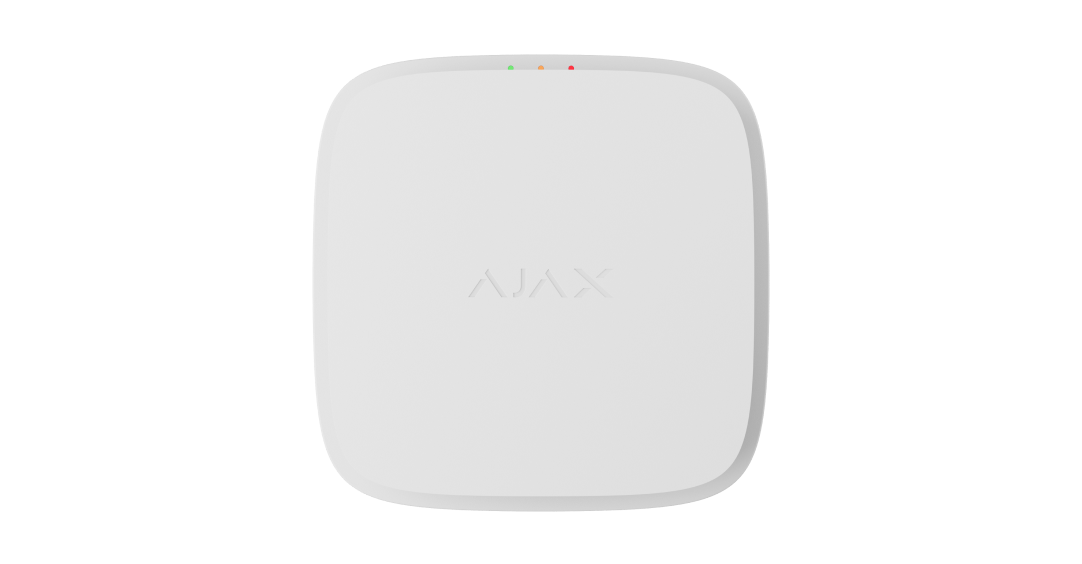
Color
Black
White
Complete set
Fire Hub Lite (Smoke) Jeweller
SmartBracket mounting panel
Installation kit
Quick start guide