 United States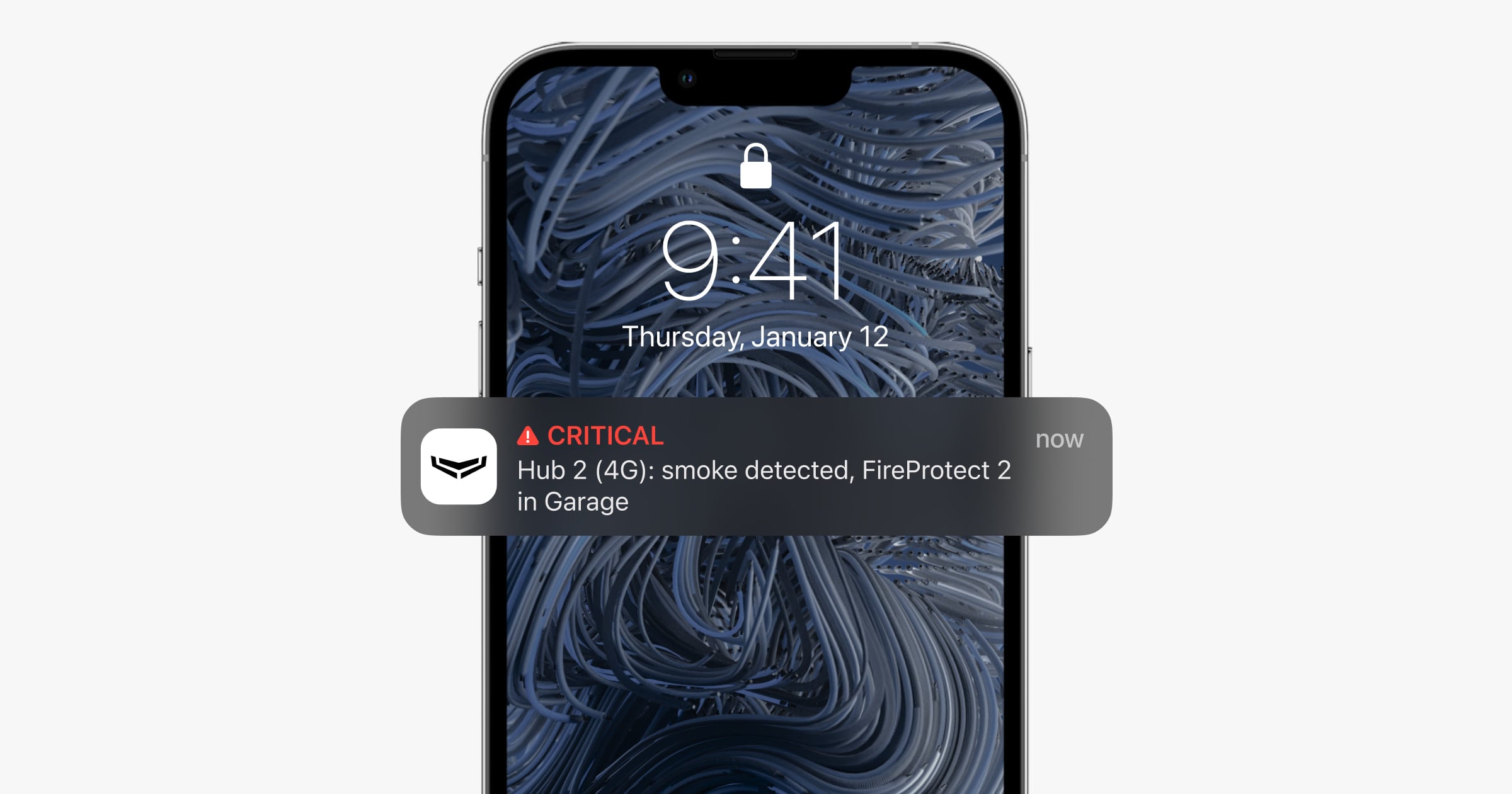
Before changing device settings, check if push notifications are enabled and if the user has access to the notification feed in the Ajax app.
Devices → Hub → Settings
→ Users → User setting
If some users do not have the right to see the notification feed in the app, they cannot receive push notifications.
To set up notifications for the Ajax app on iPhone, go to:
Settings → Notifications → Ajax app

Enable Allow Notifications, and select all the types of notifications in Alerts.
Enable Allow Critical Alerts if you want to receive sound notifications about alarms when your phone is muted, Do Not Disturb is on, or earphones are plugged in.
The volume level of critical notifications can be adjusted in the app:
Menu → App Settings → System Settings

Critical alert volume returns to maximum when you sign in again or install the app.
Go to Banner Style. We recommend you set it to Persistent.
If it’s set to Temporary, notifications will appear on the screen for a short time only, while with Persistent, notifications do not disappear until you close them.
Enable Sounds so your phone plays a sound when you receive push notifications.
Enable Badges for the number of unread notifications to be updated on the app icon.

Go to Show Previews, select the appropriate display option:
Always — the text of your notifications will always appear on the screen.
When Unlocked — the text will appear when your iPhone is unlocked.
Never — the text of your notifications will never appear.
Use Notification Grouping if you want to group notifications from the Ajax app.

Learn more: