 United States
Ajax Systems continues to enhance the user experience of its software services. We have added search and filter features to some core data lists, which include lists of devices, users, Pass cards, Tag key fobs, and keypad access codes.
Now, users can quickly find the item they need in the list. With these features, a time-consuming manual process becomes an efficient and intuitive task.
Where search and filter features are available
Currently, some Ajax app sections support both searching and filtering, while others support searching only.
Both search and filter features are currently available in:
Device list in the Devices and Rooms tabs.
Device list in the hub’s Detection zone test settings.
Device and user lists in the space’s Groups settings.
User list in space settings.
User list in the space’s Privacy settings.
User, Pass card, and Tag key fob list in the Passes/tags section in the Devices tab.
User list in the Devices tab → Add device → Add pass/tag → User.
User lists in Ajax SpaceControl Jeweller and Ajax Superior SpaceControl Jeweller settings.
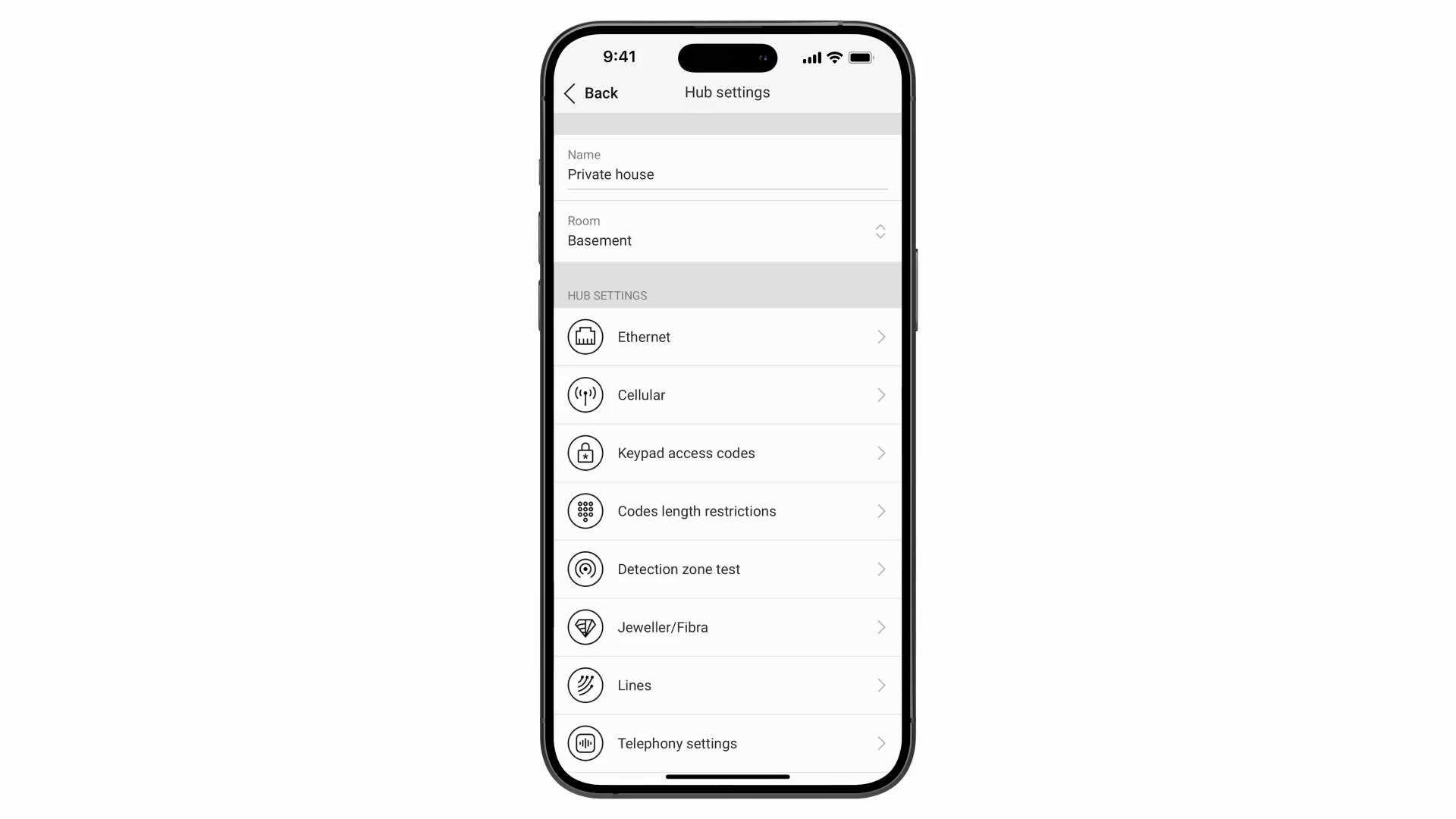
Access code list in hub settings → Keypad access codes → Access codes.
Only the search feature is currently available in:
Device list in the space’s Groups settings.
Device list for each system user with different permissions in the space’s Privacy settings.
List of installers in the space’s Privacy settings.
Device lists in the hub’s Service settings:
Service → Alarm confirmation → Select a cross zone → Devices → Select devices.
Service → Arming/disarming process → Compliance with standard → Select ANSI/SIA→ Go back to Disarming settings → Specific alert on alarm cancellation → Select devices.
Service → Arming/disarming process → Compliance with standard → Select ANSI/SIA→ Go back to Disarming settings → Specific alert on alarm abort → Select devices.
Service → LED indication → Select devices.
If Bukhoor mode is enabled: Service → Fire detectors settings → Bukhoor mode → Select devices.
List of Installers/Companies in space settings.
Technical requirements
Search and filter features are available in Ajax apps of the following or later versions:
Ajax PRO: Tool for Engineers 2.30 (iOS/Android);
Ajax Security System 3.30 (iOS/Android);
Ajax Desktop 5.30 (Windows/macOS);
Ajax PRO Desktop 5.30 (Windows/macOS).
How to search and filter
No additional settings are required for searching and filtering.
Search and filter can be used together, regardless of the order in which they are applied.
To search and filter in a list:
Go to the desired list.
In desktop apps, the search bar is always visible.
In mobile apps, users can swipe down to reveal the search bar.
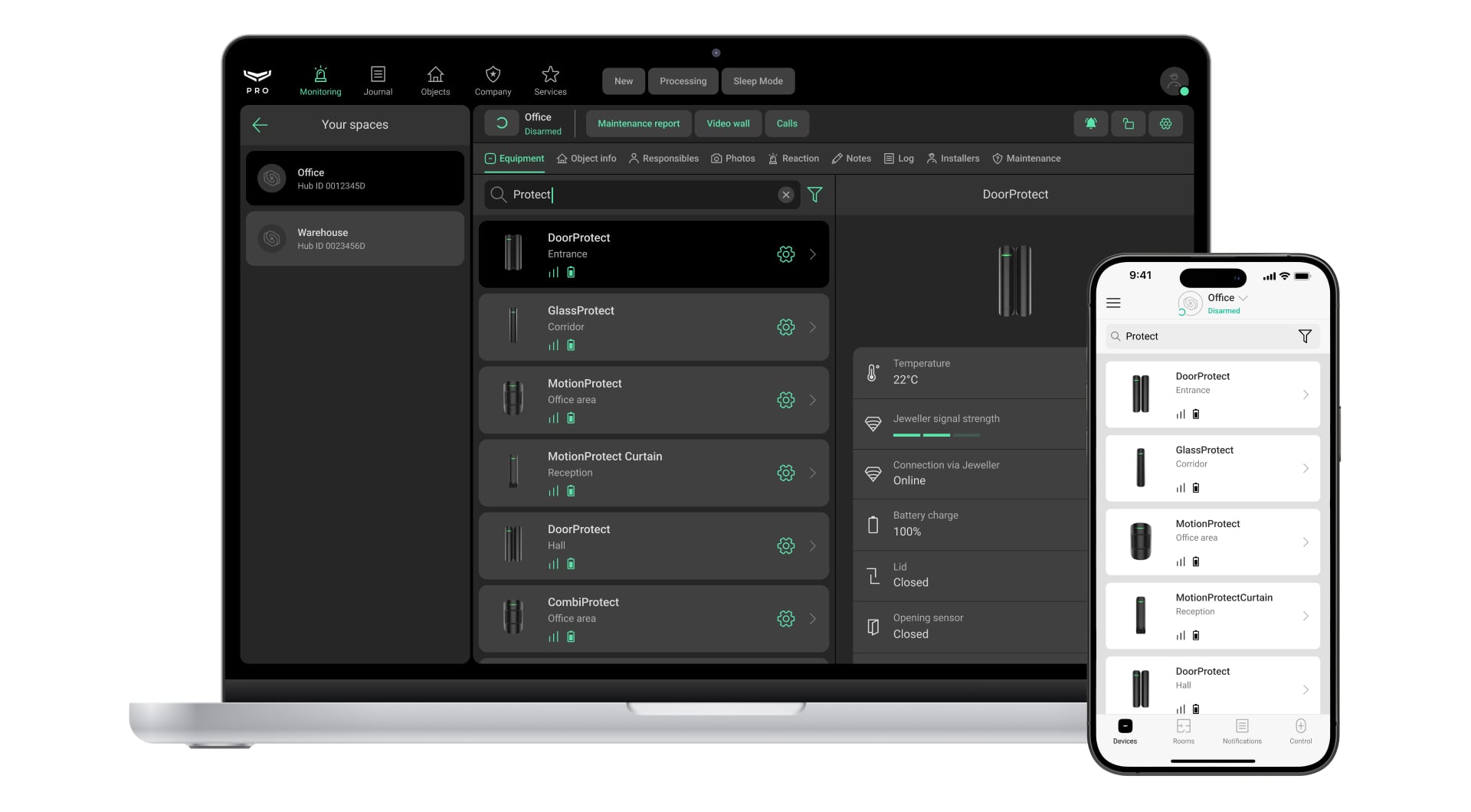
Start typing in the search field, and the list will update instantly according to your input. The search is case-insensitive and returns results based on partial matches.
You can search in the following sections of Ajax apps:
Users — by name and email.
Devices — by name, device ID, and model.
Passes/tags — by user name, user email, and Pass/Tag name.
Keypad access codes — by code name and code ID.
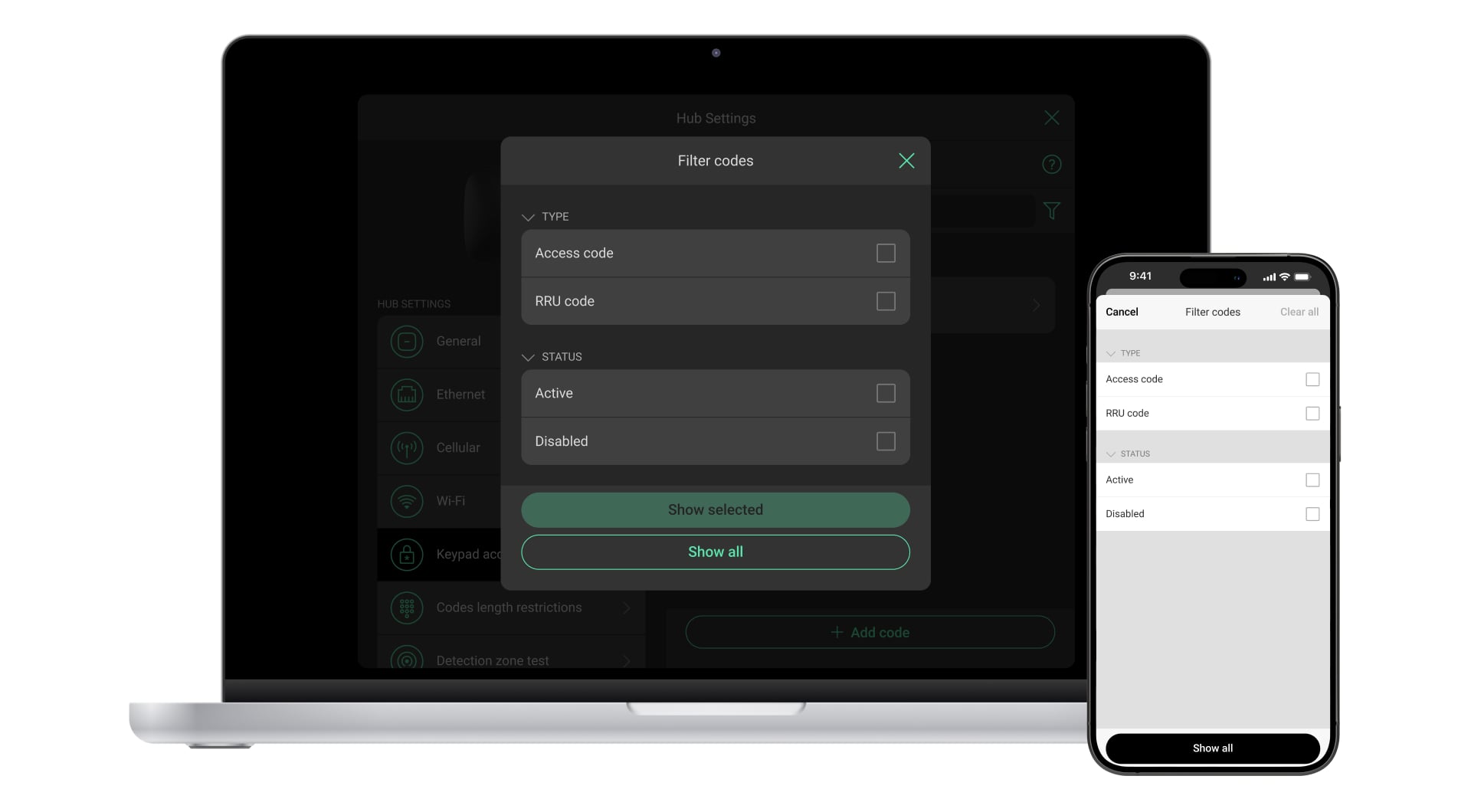
To apply filters, click the icon
. The Filter devices window will open with options tailored to the current list. Different filters are available for each list type.
Check the appropriate boxes to select the desired filters. Then, click Show selected to close the window and display the filtered list.
Searching and filtering are performed locally, allowing multiple users to work with the same data list simultaneously.