 United States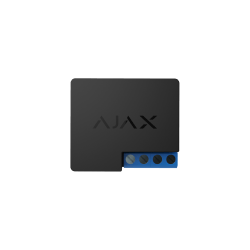
Currently, the following scenarios are available for Relay, WallSwitch and Socket:
In case of arming:
close the contacts (apply 230 V to the output)
to open contacts (stop feeding 230 V)
without action
In case of disarming:
close the contacts (apply 230 V to the output)
to open contacts (stop feeding 230 V)
without action
In additional Relay can react on arming/disarming in a pulse mode. The WallSwitch, Relay and Socket reaction is also available for “Night mode”.
Actions during the arming/disarming are independent. Any other automation scenarios now are under development.


